Photo to video AI for free: one photo, 8 cuts, ChatGPT and Google Flow
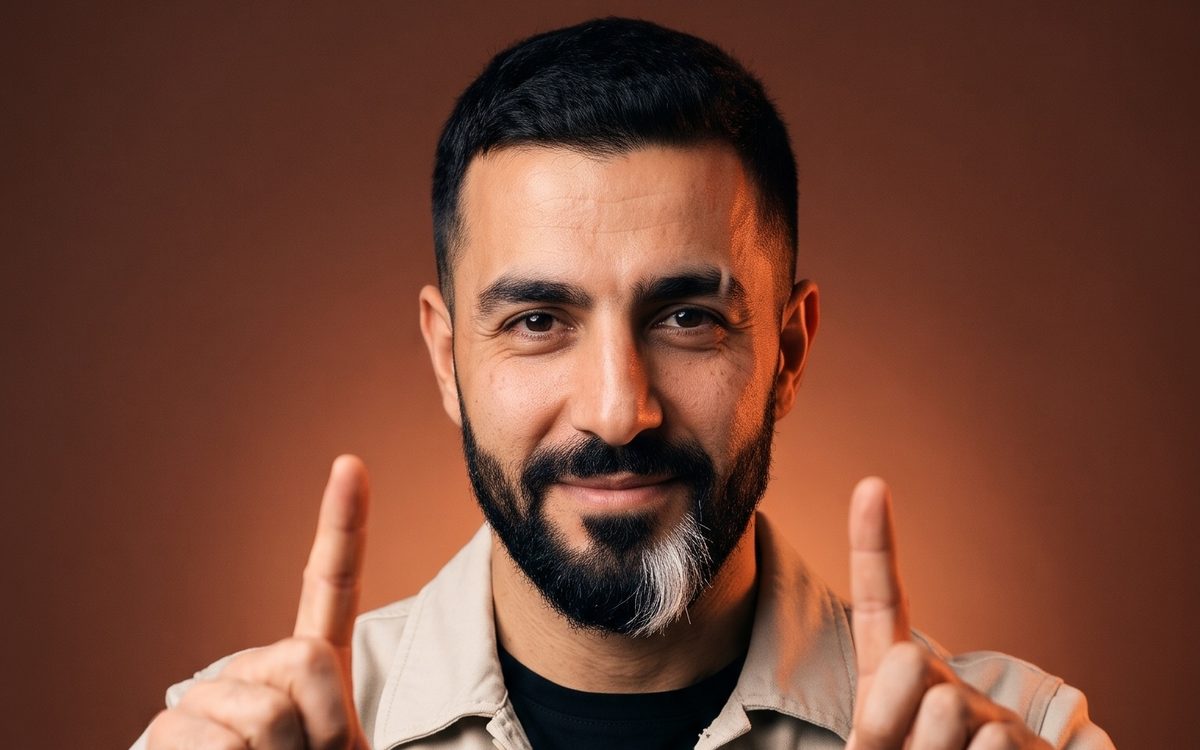
You can turn one photo into a short AI video for free with two tools: free ChatGPT draws a storyboard of 8 shots from your photo, and Google Flow turns that storyboard into a clip with 8 cuts. This photo to video AI trick is spreading on Shorts right now, and the videos show the result in under a minute. What they leave out is the limit. A free Google account gets 50 Flow credits a day, and that decides how many clips you can make.
Below are both prompts, the steps in each app, and the credit math, all checked against the Google Flow and OpenAI help centers on Nov 15, 2026.
Why a storyboard first
If you hand a video model a single photo, you usually get one shot that drifts a little. A storyboard gives it a plan: eight panels, each with its own camera angle and a time label. The model then cuts from panel to panel in order, so the clip looks edited instead of like one long take. The storyboard also keeps the person and the outfit the same in every shot, because the model sees all eight frames at once.
Step 1: the storyboard in free ChatGPT
OpenAI's help center says "ChatGPT Images is available on all tiers," and you can "upload an existing image and describe the changes you want." So the free plan works for this step.
Open ChatGPT, tap the + button, upload one clear photo of yourself (face visible, good light) and send this prompt:
Turn this photo into an 8-panel storyboard for an 8-second video. One shot per second, a new camera angle in each. Same person and same outfit in every panel. Label the panels 00:00 to 00:07.
You get one image with eight labelled panels: a wide shot of you walking, a close-up of your hands, a side angle and so on. If one face looks wrong, ask ChatGPT to redraw that single panel. Then download the image.
Free ChatGPT has its own limit on image creation. OpenAI doesn't publish a number. It says the app "will notify you when you reach an applicable limit," and you wait until it resets.
Step 2: the video in Google Flow
Open Google Flow with your Google account. Under the text prompt, click Add and pick the storyboard image (you can also drag it in). Google calls an image used this way an ingredient or reference. Choose the Omni Flash 1.2 model and a length of 8 seconds, then paste:
Make a cinematic 8-second video that follows this storyboard: one cut per panel, in order, the same person in every shot.
Google's help page asks for exactly this: "describe how your ingredients should be used as references within the clip," and keep the text from contradicting the image.
We chose 8 seconds on purpose. The video that made this popular used a 10-second clip with an 8-panel storyboard. Eight panels at one per second fit an 8-second clip, and the shorter clip costs fewer credits.
How many free clips you get
Google Flow's help center says that "with no subscription," you get basic video features and "50 Google Flow credits per day." Credits you don't use that day don't carry over.
On Omni Flash 1.2 the cost depends on resolution:
- At 720p it costs 3 credits per second, so an 8-second clip is 24 credits and a 10-second clip is 30.
- At 360p it costs 1 credit per second, so the same 8-second clip is 8 credits.
With 50 credits a day, that's two 8-second clips at 720p, or one 10-second clip. A good habit is to test the prompt at 360p first, then make the final version at 720p once the cuts look right. Free accounts can make clips of 3 to 10 seconds with references; Google AI Plus, Pro and Ultra add monthly credits (Plus adds 200, Pro adds 1,000), longer clips and 1080p upscaling.
Flow also asks that you are 18 or older and in a supported country.
FAQ
Is Google Flow free?
Yes, with limits. A Google account with no subscription gets 50 Flow credits a day. An 8-second 720p clip on Omni Flash 1.2 costs 24 credits.
Can free ChatGPT make a storyboard from my photo?
Yes. ChatGPT Images is available on the free plan and accepts an uploaded photo. Image creation has its own daily limit, which OpenAI doesn't state as a number.
Why does my AI video only have one shot?
A single photo gives the model nothing to cut to. A storyboard with labelled panels tells it what each second should show, so it cuts between shots.
Sources
Tools in this article
OpenAI's AI assistant: chat, images and GIFs. Free plan; paid plans start with Plus.
Open ChatGPTGoogle's AI video tool: text, frames or reference images into short clips with Omni Flash 1.2 or Veo 3.1 Lite. No subscription: 50 credits a day (an 8-second 720p Omni Flash 1.2 clip is 24). Google AI Plus, Pro and Ultra add monthly credits.
Open Google FlowWe earn nothing from these links. All tools
Making something to sell?
Our guide shows how to make and sell one small PDF with AI, with the real numbers. Chapter 1 is free.
Read next
- Free AI voiceover: 10 min and one ruleNov 10, 2026 · Tools
- 744B AI on a laptop? It runs. But how fast?Nov 9, 2026 · Tools
- 1 video, 30 shorts? Not on FreeNov 8, 2026 · Tools
Checked against official sources on Nov 15, 2026. The character in our posts is made with AI; the text is written with AI help and checked by hand rules.